A quick tour of the Universal VPN app. From connecting in one tap to choosing a server and seeing your privacy in action — no sign-up, no hassle.
01
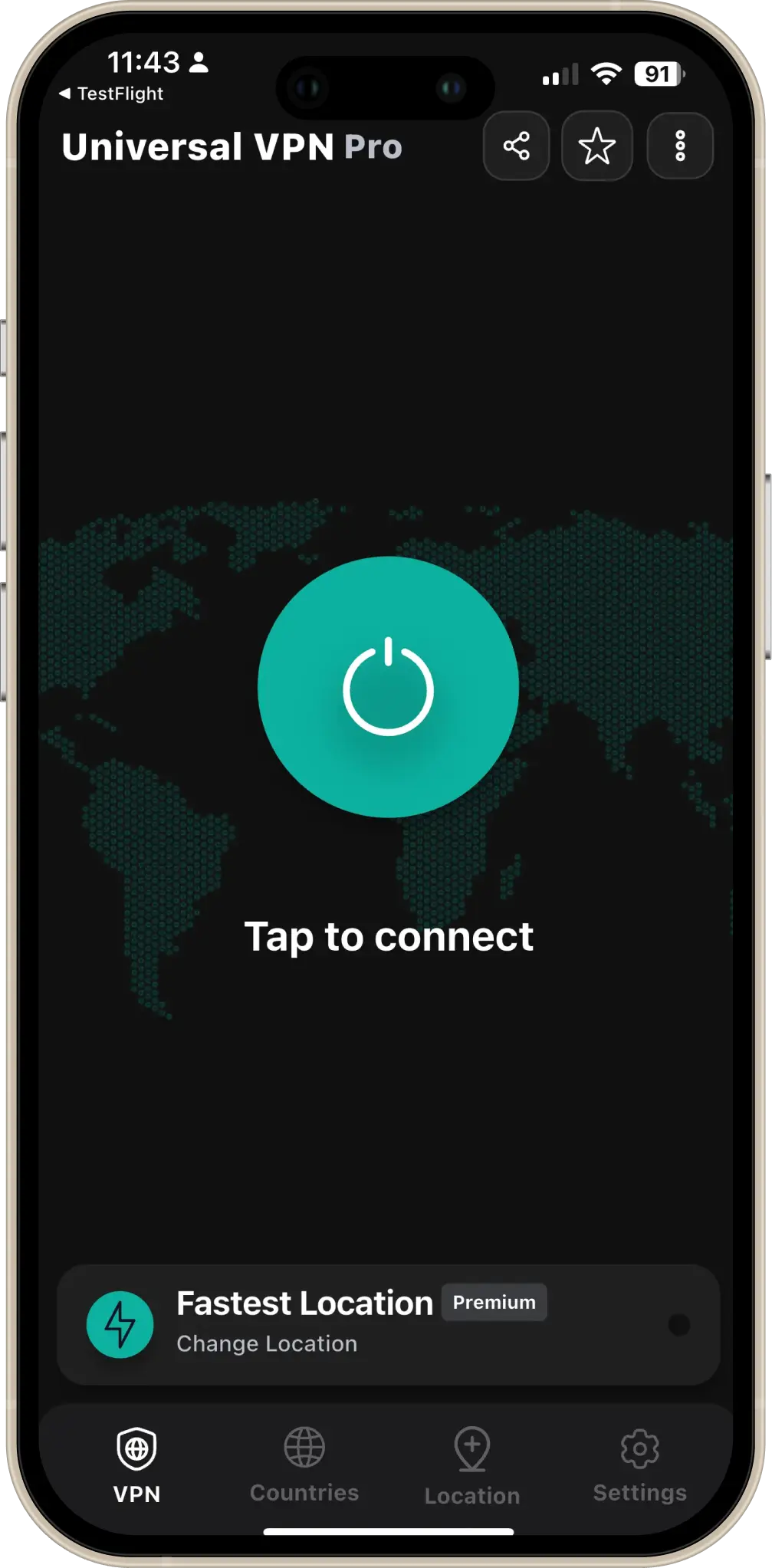
One-tap connect
Open the app, pick a server from the list, and tap Connect. Your traffic is encrypted instantly. No accounts, no forms — just tap and you're protected on Wi‑Fi, 4G, or 5G.
The main screen shows your connection status and a clear Connect button so you're never more than one tap away from a secure connection.
02
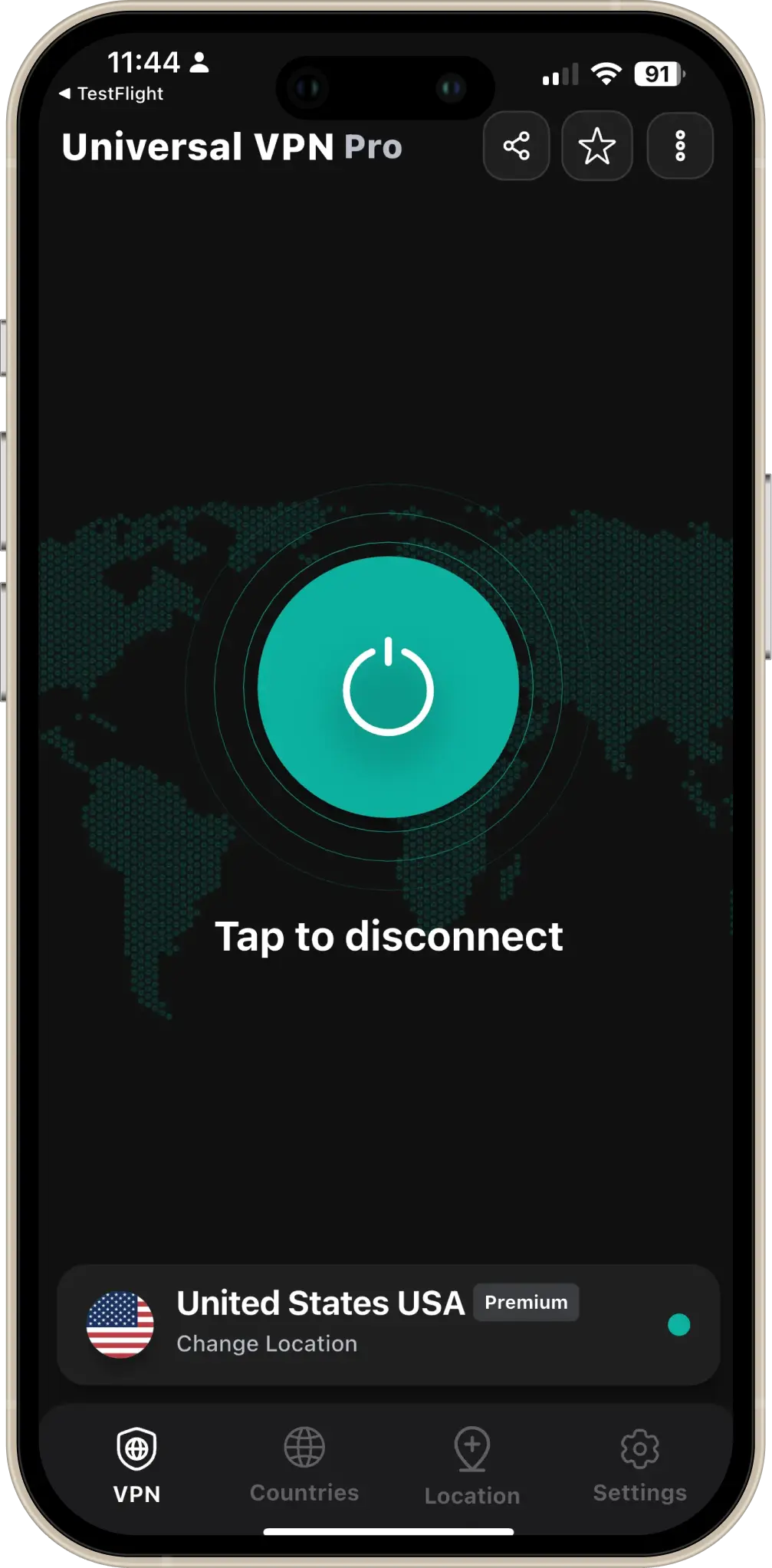
One-tap disconnect
When you're done, tap Disconnect to return to your normal connection. Simple on, simple off — you stay in control.
03
High-speed servers
Our servers are built for speed. Choose from 50+ countries and enjoy up to 10 Gbps–capable infrastructure with no throttling for free users. Stream, browse, and work without lag.
The app shows server availability and lets you pick the best location for speed or content access.
04
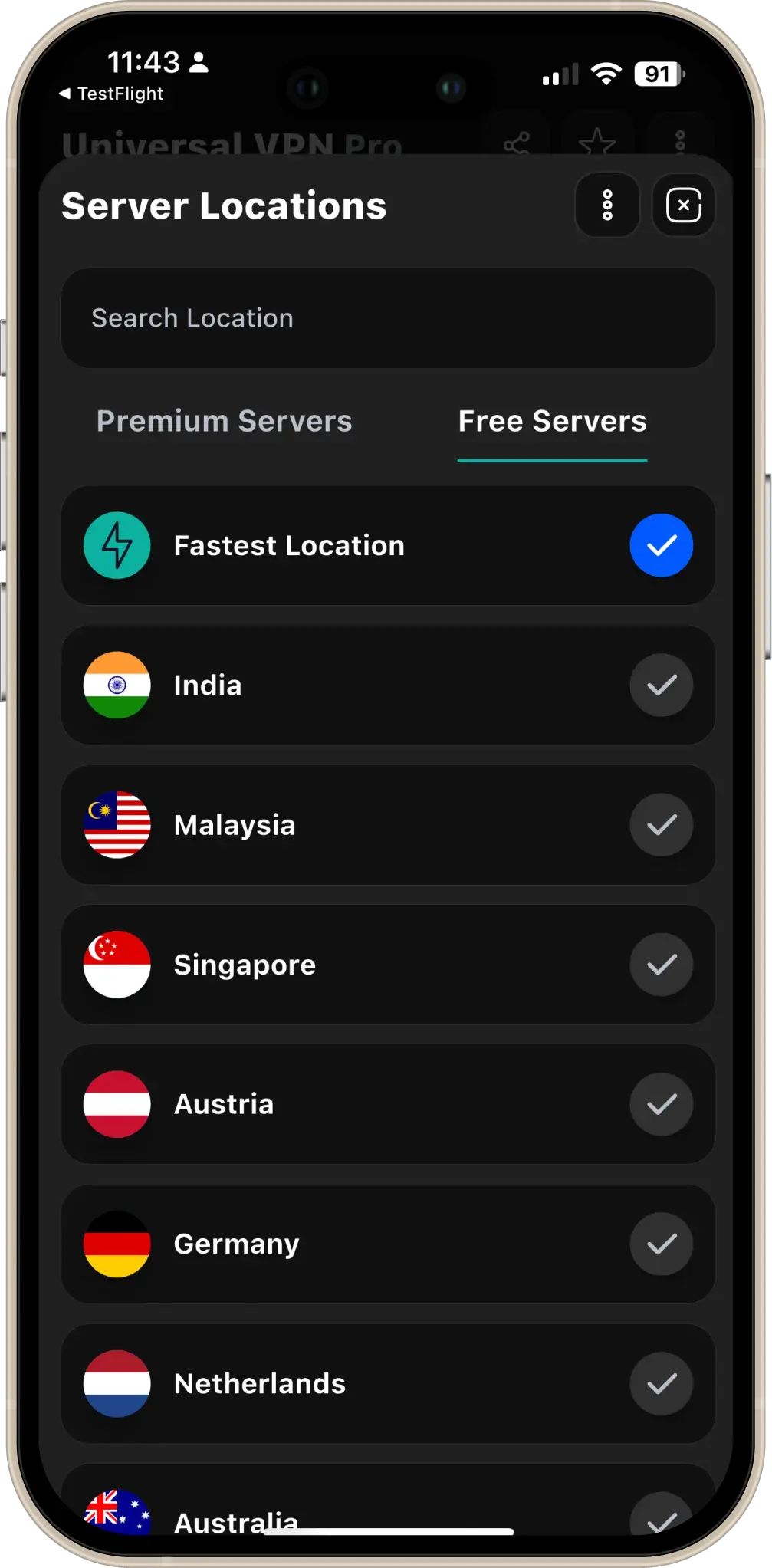
Multiple locations worldwide
Americas, Europe, Asia Pacific — connect to the region you need. Unblock content, bypass restrictions, or simply get a faster route. All servers are one tap away.
New locations are added regularly; you can also request a country from within the app.
Your location and IP — before and after VPN
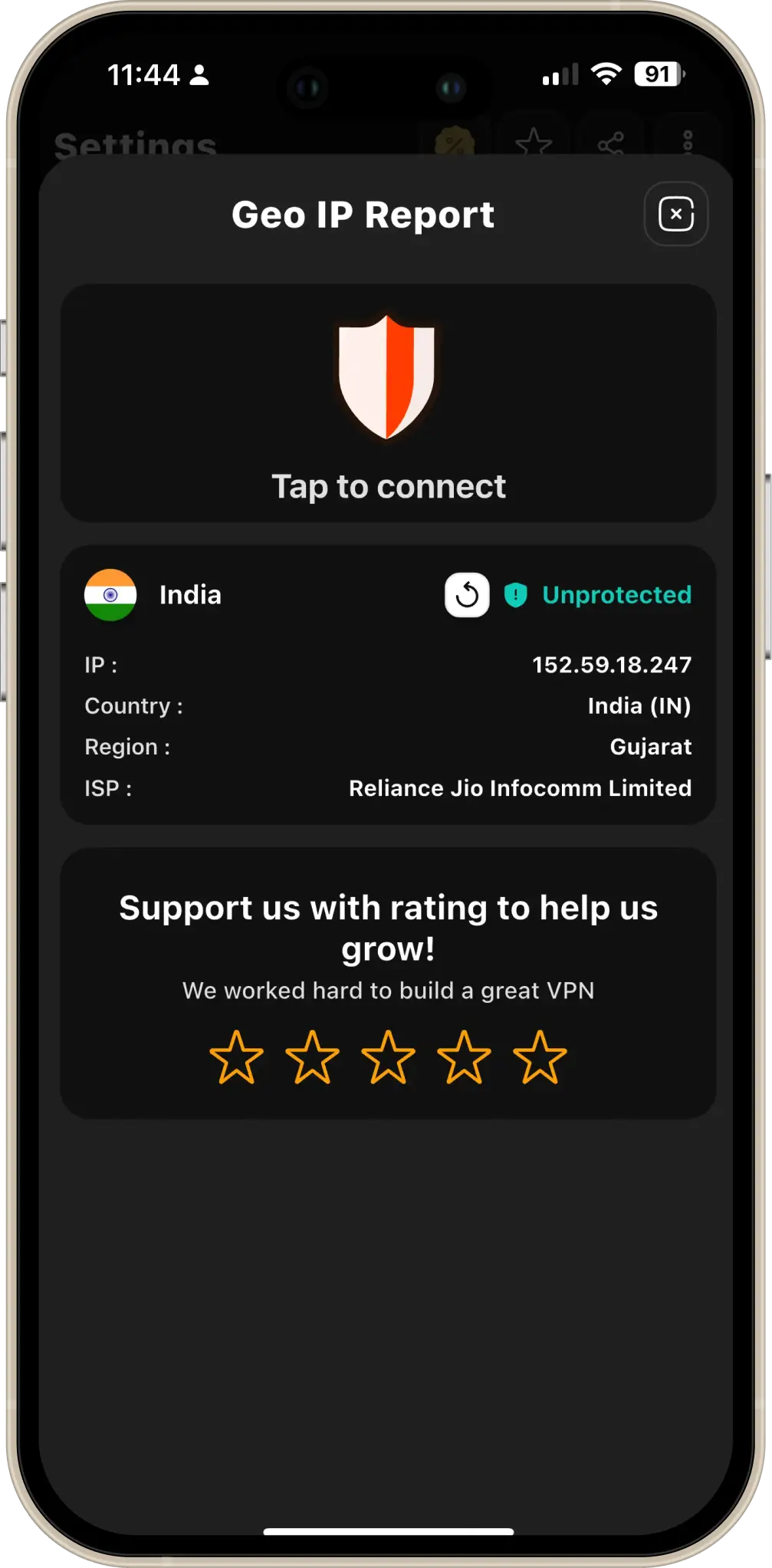
Without VPN
Before connecting, your real IP address and location are visible to websites and networks. This screenshot shows how your device appears without protection.
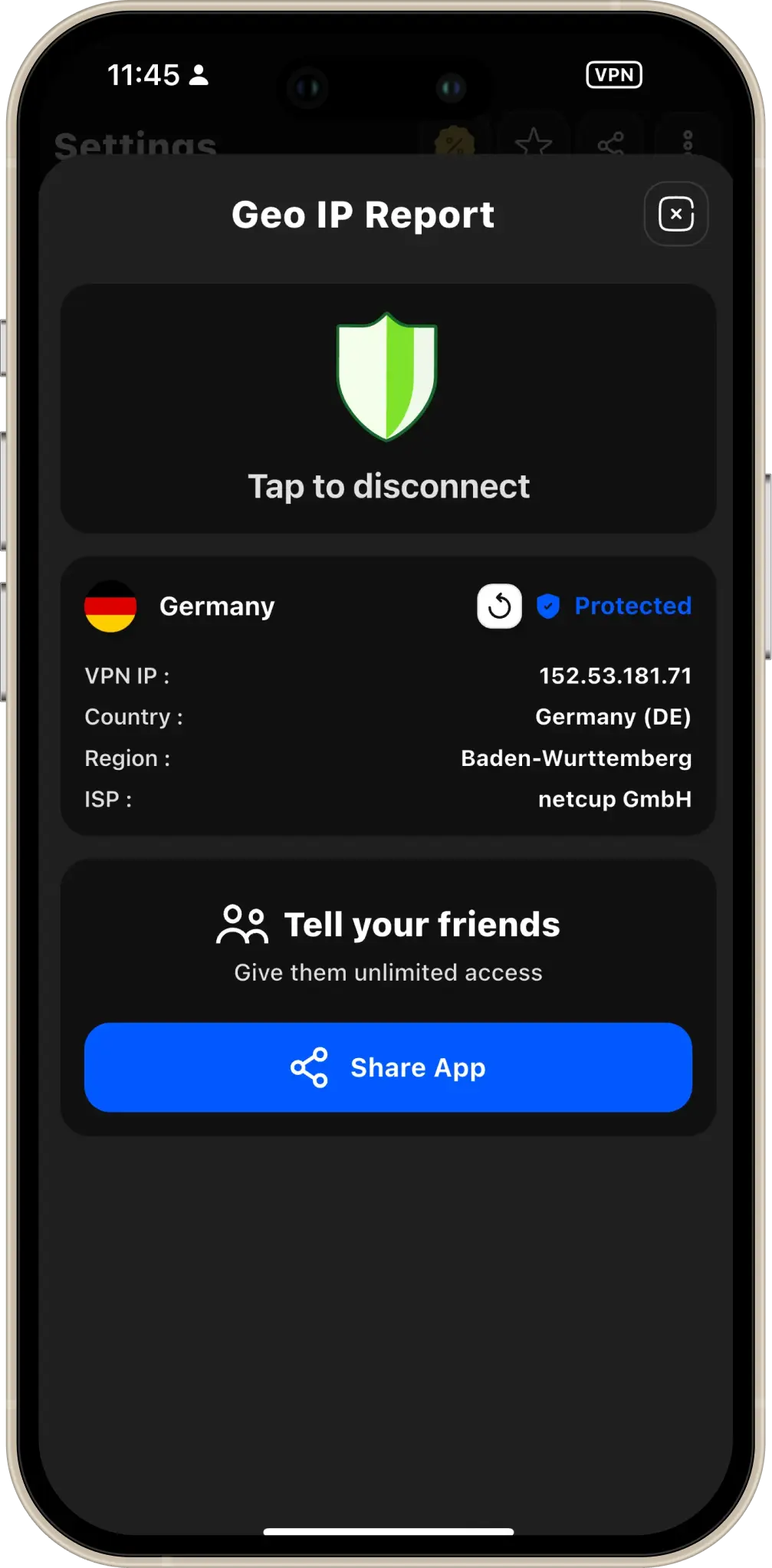
With VPN connected
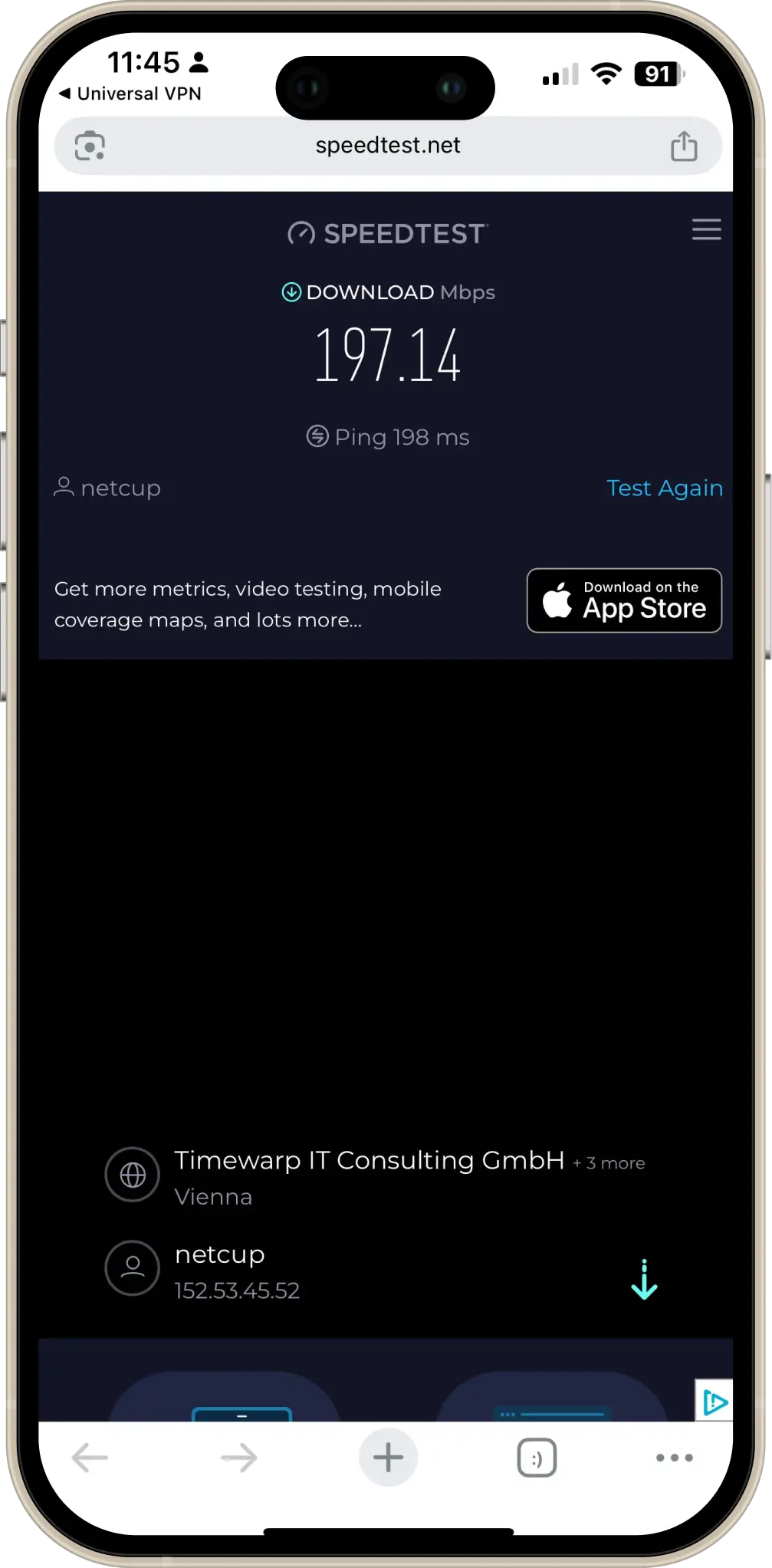
Once connected, your traffic goes through our secure server. Websites see the VPN server's location and IP instead of yours — so you browse with privacy and can access region-specific content.
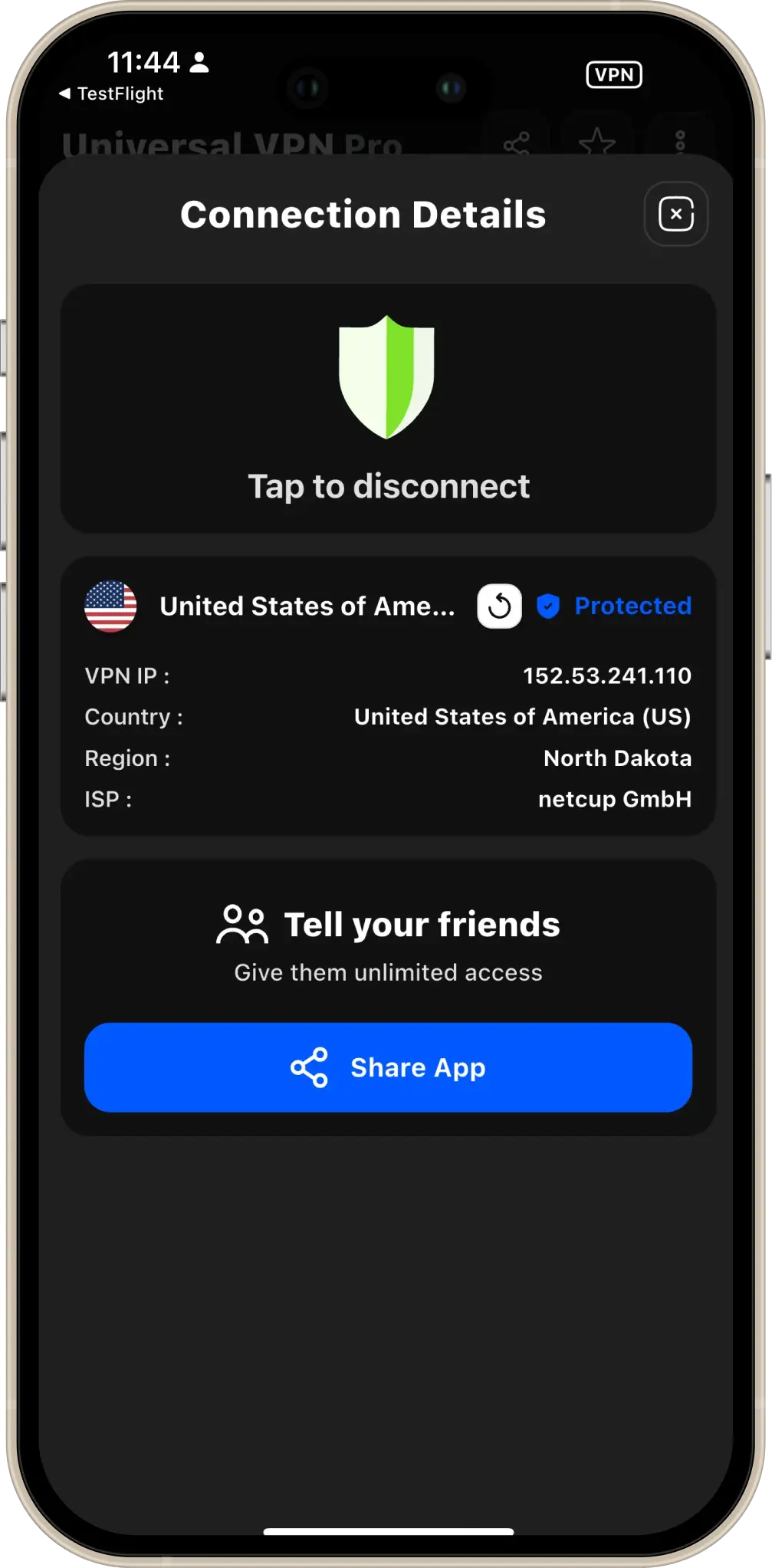
The app clearly shows your new virtual location and IP so you can confirm that the VPN is working. No guesswork — you see the change in real time.

Stay private and free online — one tap at a time.